Presenter videos
Give your story a familiar face. Bring a presenter on camera, add supporting imagery and shape each scene in Studio.
Create with a presenterA creator’s workspace. From idea to video.
Turn a topic, a script or your own recording into a video. Build it around an AI presenter, or let the visuals lead.
See the estimate first. Approve the script before rendering.
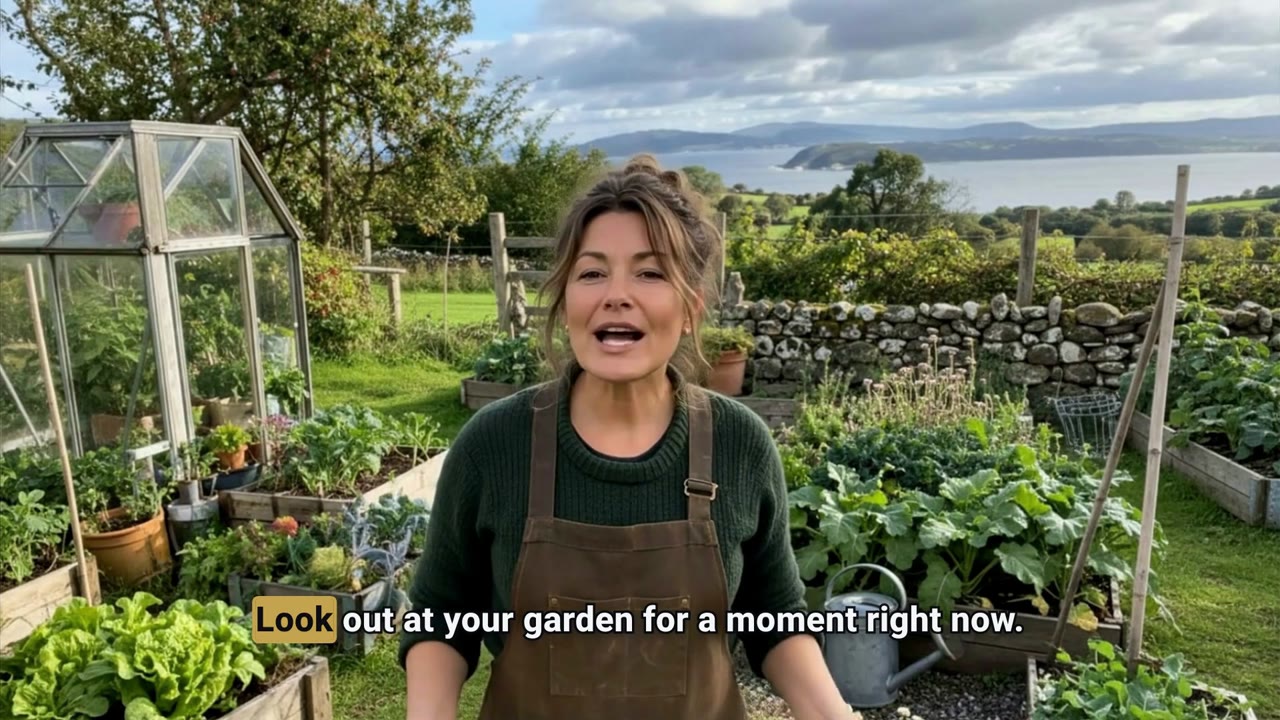
A familiar face, a visual story, or the research that starts it all.
Give your story a familiar face. Bring a presenter on camera, add supporting imagery and shape each scene in Studio.
Create with a presenterLet the story take the lead. Pair narration with imagery, captions and visual sequences you can review scene by scene.
Start a visual storyFind a direction before you create. Explore outliers, channels and title patterns, then carry saved research into your next brief.
Find your next ideaKeep the script, footage, voice and captions together. See what is on screen, move through the timeline and review the details.
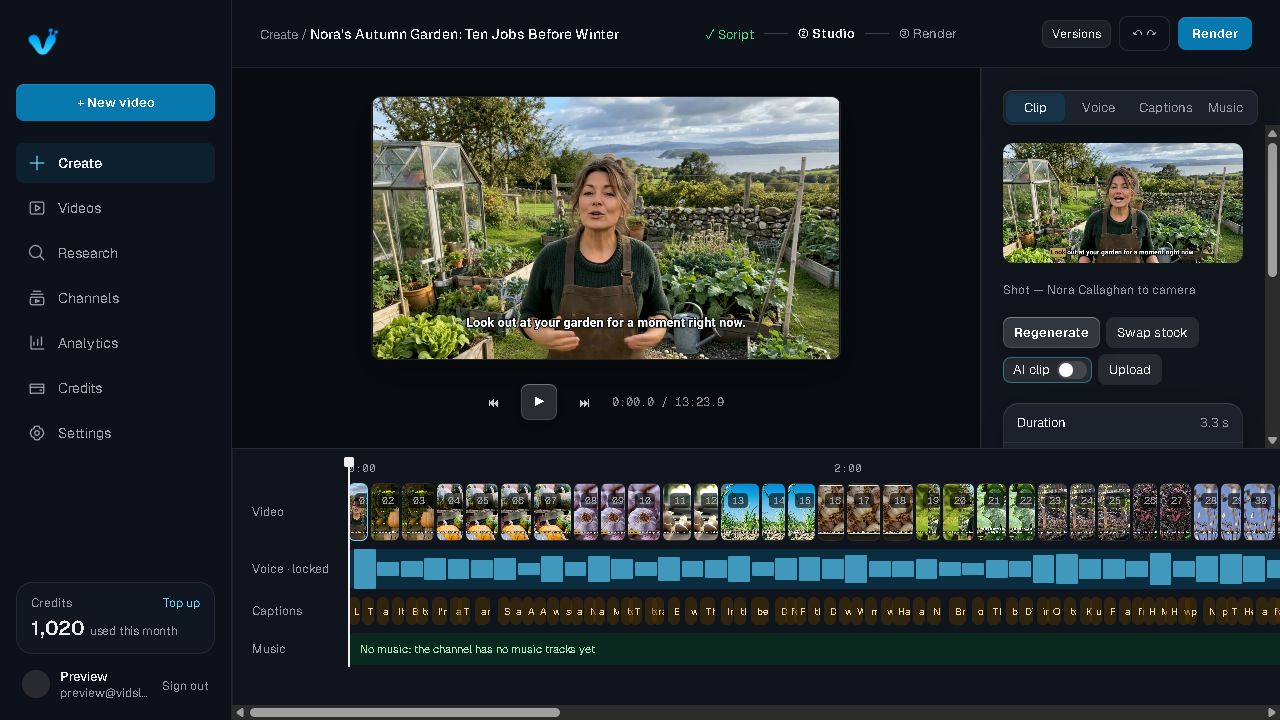
Review scenes before the final render
See the cost before you approve it
Keep your channel’s voice and style together
A clear next step, all the way through.
01
Pick a format, length, voice and style. See the credit cost before you start.
02
Edit the script scene by scene, then fine‑tune clips and captions.
03
Download your finished video, ready for YouTube.
Coming soon: one-click YouTube upload and autopilotGive it a place to start.